
Lastboard Agent
A small bridge you run next to Docker on another host, so Lastboard can watch and control its containers through five calls and a token — and the Docker daemon is never exposed.
Run it
One command, with Docker. The image is built for amd64 and arm64.
$docker run -d --name lastboard-agent --restart unless-stopped -p 2375:2375 -e TOKEN=your-secret-token -v /var/run/docker.sock:/var/run/docker.sock:ro git.codigosh.com/codigosh/lastboard-agent:latestFeatures
10 in all
Five calls, and nothing else
List containers, read their CPU and memory, and start, stop or restart one. That is the whole surface. Creating, deleting or exec-ing into a container, images, volumes and networks are refused even with a valid token, so a leaked token cannot compromise the host.
The query string is allowlisted too
Only the parameter Lastboard sends reaches Docker. Stats are always a single reading, and start, stop and restart take none, so a leaked token cannot hold a stats stream open, make the daemon size every container on disk, or stop one with a timeout of days.
A token on every request
Compared in constant time. On every route but the health check, a request without the right token gets 401 whatever it asks for, so a caller who has none cannot tell which routes exist. The token is checked by the agent and removed before the request is forwarded: Docker never sees it.
The Docker daemon is never exposed
Exposing Docker over TCP hands whoever can reach it the keys to the machine. The agent runs next to Docker, reads the local socket and answers Lastboard over HTTP, so the daemon stays private and the dashboard only ever talks to the agent.
Many hosts, one widget
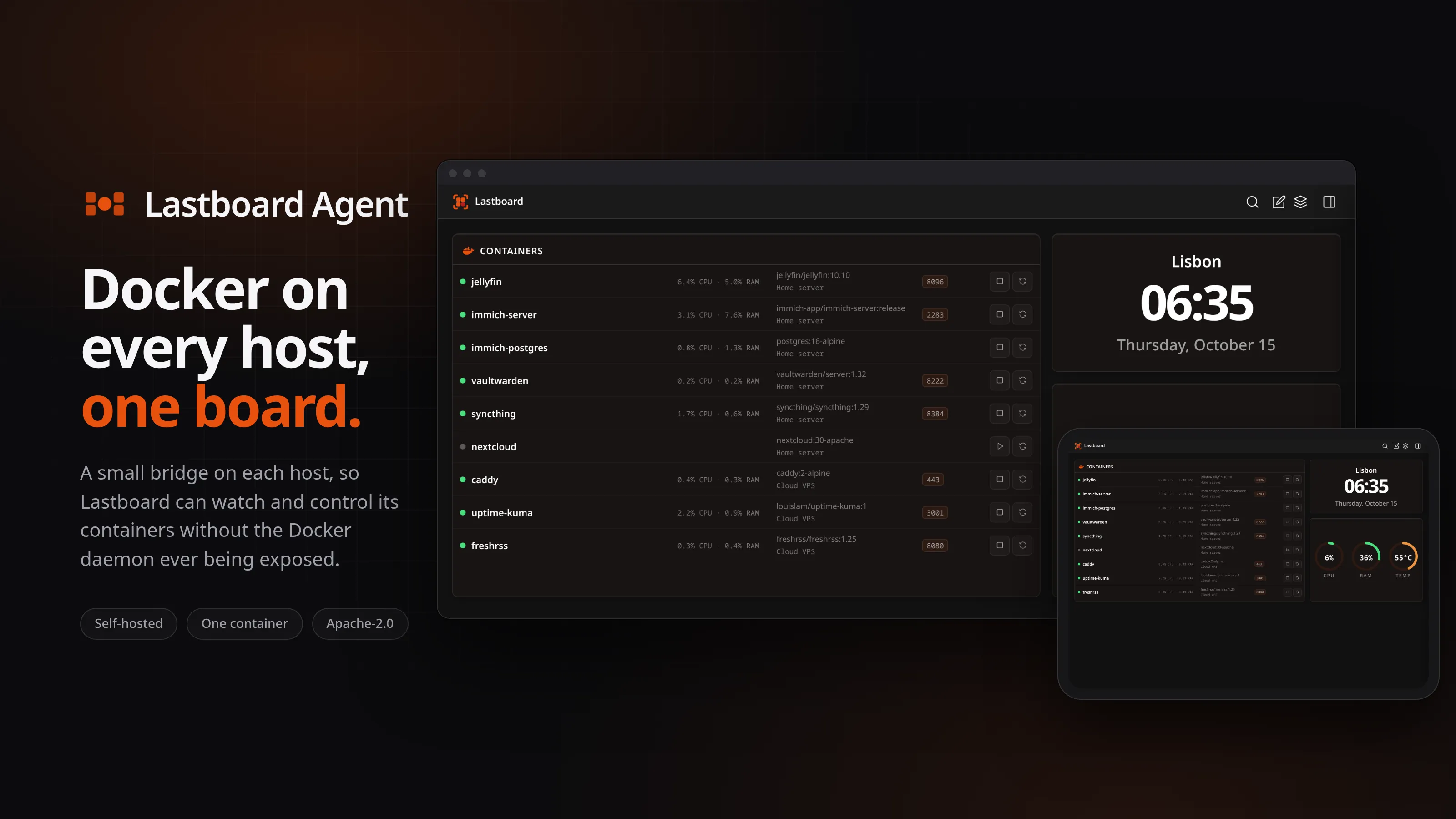
Put an agent on each machine and Lastboard lists their containers together in one Docker widget, each row naming where it runs, with live state and the start, stop and restart controls on the row.
One variable to set
TOKEN is all it needs, and a random one is a single command: openssl rand -hex 32. The port and the socket path have defaults you can change. There is no database, no configuration file and no state: restart or replace it whenever you like.
All 10 features
A weak token is called out
At startup the agent warns when the token is shorter than 32 characters or is one of the examples from the documentation. It only warns: an agent that refused to start would take down a dashboard that updated through the latest tag.
Health and version, built in
A public health endpoint reports that the agent is serving and which version it is, and the image uses it as its own Docker health check, so docker ps shows whether it is up.
Nothing but the standard library
No third-party module is compiled in, and a test fails the day one is required, so it is named in NOTICE before it ships. It stores nothing and sends nothing anywhere.
A small image, amd64 and arm64
One container image from our own registry for both architectures, with the compose file and the docker run command in the README. Pull the new image and recreate it to update.
Use cases
What people run it for
Docker on a second machine
A NAS, a mini PC or a cloud server runs its own containers, and your dashboard runs somewhere else. Put an agent on it and its containers appear in the same list as the rest.
Controlling containers without opening the daemon
Start, stop or restart a container from the dashboard without publishing the Docker API on your network, and without giving the dashboard more than those three actions.
A token you can afford to lose
If the token leaks, what it gives away is the lifecycle of containers that already exist: nothing can be created, deleted or entered, and nothing can be made to run for ever.
A host behind a reverse proxy
The agent speaks plain HTTP with a bearer token, so it sits behind a reverse proxy as long as the proxy forwards the Authorization header untouched.
A safer way to reach Docker than exposing it over TCP
Lastboard can also talk to a Docker daemon directly, over TCP or TLS. That works, and it gives the dashboard the whole Docker API: whoever can reach that port can start a privileged container and own the machine. The agent is the option that gives Lastboard the five calls it uses and nothing more, behind a token, with the daemon itself never listening on the network.
Frequently asked questions
Is Lastboard Agent free and open source?
Yes. It is free and open source under the Apache License 2.0. You can read, run, fork and self-host it; the licence reserves only the names and logos.
What does it need on the remote host?
Docker, and its port reachable from the machine Lastboard runs on. Port 2375 is the default and can be changed. The token is the only required setting.
What can someone do with a leaked token?
List the containers on that host, read their CPU and memory, and start, stop or restart them. They cannot create, delete or enter a container, touch images, volumes or networks, hold a stats stream open, or ask the daemon to measure every container on disk.
Do I have to open the Docker daemon to the network?
No, and that is the point. The agent reads the local Docker socket and only the agent listens on the network. Restricting its port in your firewall to the Lastboard host is a good extra.
How do I connect it to Lastboard?
In Lastboard's Docker widget, choose Add New Host, give it a name, pick Lastboard Agent as the type, enter the host and port and the token, and save. Its containers appear in the list.
Does mounting the socket read-only protect the host?
No: read-only on a Unix socket stops nothing from being written through it. The limit is the agent's own allowlist of five calls, and the :ro in the examples is good practice, not the protection. Restricting the agent's port in your firewall to the Lastboard host is the extra that helps.
Does it run as root?
In the container, yes by default, because it has to read the Docker socket and the image defines no user. To run it unprivileged, set a user and give it the group that owns the socket: both user and group_add are needed, since group_add alone leaves it root. The installation guide shows how.
Does it store or send anything?
No. It has no database and keeps no state, there is no telemetry, and it does not talk to anything except Docker and the Lastboard that asks it. It keeps no record of requests: its log carries the startup lines, the token warning when there is one, and a line when it cannot reach Docker.
How do I update it?
Pull the new image and recreate the container. What each version changes is on the releases page.
Can it sit behind a reverse proxy?
Yes. It speaks plain HTTP with a bearer token, so the proxy only has to forward the Authorization header untouched.
Lastboard Agent release history
Releases
Recent activity
- docs: the showcase image shows Lastboard's current logo
1436c7b - docs: the front page of the documentation opens with the Docker widget
b9c3d8b - fix(docs): running the agent without root needs a user as well as the group
f6bb252 - docs: the documentation codigosh.com publishes for the agent
616b9a8 - build: update the release tooling
30bbb61
Try Lastboard Agent
Free, open source and yours to run. No account, nothing reporting back.